The Brand Monitoring tool continues to provide you with smart ideas on how to keep an eye on your brand’s reputation. Obviously, success involves much work, and the more recognizable on the Web you become, the more brand mentions you have to track.
We know how important it is to keep from getting lost in the sea of analytical data and are proud to present a new handy feature in our BM tool – it now shows you some helpful clues on what sites you should pay more attention to, according to the amount of traffic they get. These clues are presented as labels and can be found on mentions’ cards.
We take these values from Traffic Analytics and set labels relative to the domain with the highest number of visits among all domains with mentions found in the campaign.
There are 4 labels:
High - for domains that have the highest traffic among all domains
Medium - for domains that have more than 10 times less traffic than the domain with the highest traffic
Low - for domains that have more than 100 times less traffic than the domain with the highest traffic
N/A - for domains we don’t yet have traffic values for
We show tips with label explanations and the top 3 countries with the highest traffic if you mouseover the label. Also there is a link to the Traffic Analytics tool (Traffic Overview of a selected domain).
In the advanced filters, you can find a new Traffic filter.
After a recent marketing study, we defined and set an absolute high-label limit – 1 million visits per month. So if the domain with the most traffic among all domains with mentions in your campaign has a traffic value of less than 1 million per month, we will set the campaign’s mentions labels based on the domain’s traffic value.
Respectively, if the domain with the highest traffic among all domains with mentions in your campaign has a traffic value of more than 1 million per month, we will set the campaign’s mentions labels based on the exact value of 1 million per month.
We hope you enjoy the updated Brand Monitoring tool. In case you still haven’t set it up, give it a go right now! And don’t forget to share your ideas, comments and suggestions by emailing us at bm@semrush.com.
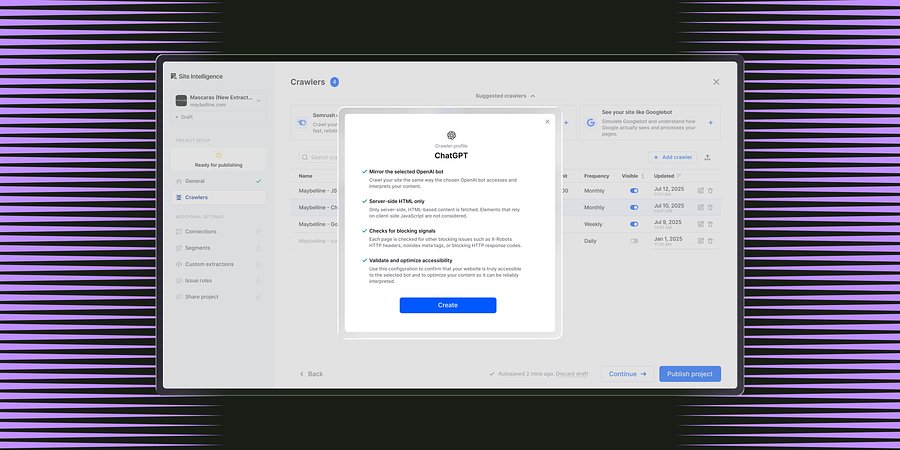
Enterprise Site Intelligence Adds Crawler Profiles for AI Agents and Search Bots
New bot simulation capabilities let teams see their website exactly as AI models and search engines do. Without manual configuration.
Product News
March 31, 2026
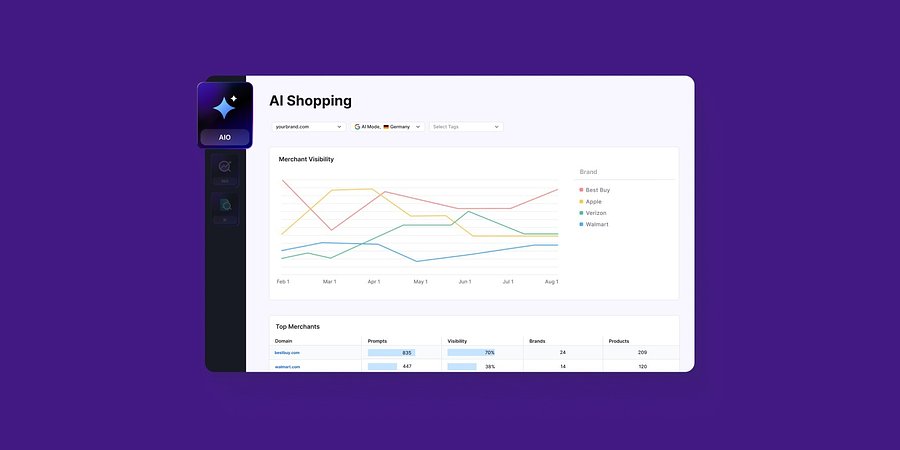
Enterprise AIO Extends AI Shopping Report Across ChatGPT and Google AI Mode
Semrush Enterprise AI Optimization’s (AIO) AI Shopping report now delivers unified merchant and product-level insights across both AI shopping experiences.
Product News
March 6, 2026
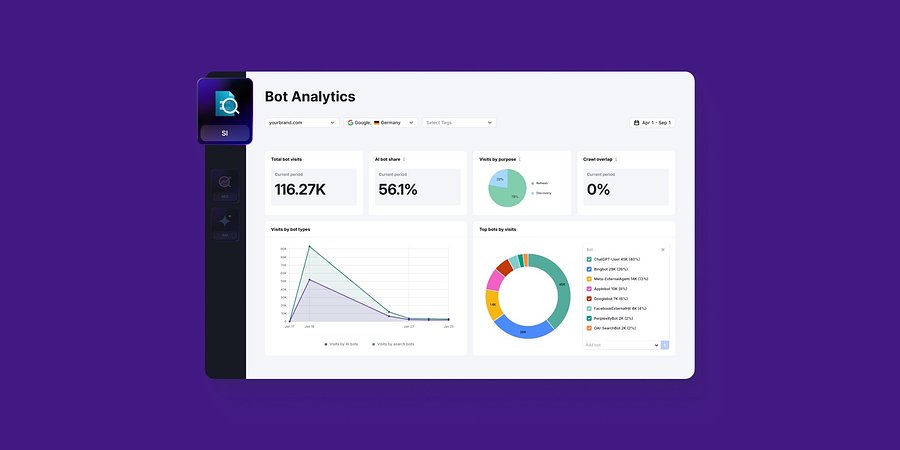
Semrush Enterprise Adds Log File Analysis to Site Intelligence and AI Optimization
New Bot and Agent Analytics capabilities give teams clearer understanding of how search engines and AI crawlers interact with their websites, unlocking new visibility opportunities.
Product News
February 2, 2026
This tool is from almunjizun.com
If you see this on any other website, contact admin.