In the high-speed world of the mobile web, every second counts when it comes to capturing users’ attention. Google says that 53 percent of all visits are abandoned if a mobile page takes longer than 3 seconds to load. This is why AMP technology is becoming a must for accelerating your site’s mobile speed.
We are excited to share insights into AMPs with our updated Position Tracking tool, which now identifies AMP pages!
What Does This Mean for You?
The updated Position Tracking tool will now show you:
The keywords from your tracking campaign that AMP pages are ranking for
The particular SERPs for these keywords
Whether an AMP page belongs to you or your competitor
Having this scope of data, you can make an informed decision about whether or not to implement AMP technology.
And if you decide to, by checking your competition you’ll be able to determine which pages are worthy of implementing AMP and which keywords to use for optimizing them.
Finally, after you’ve implemented AMP pages, Position Tracking allows you to track whether Google shows them.
How to Track AMP Presence and Keywords that AMPs Rank for
Open your project with Position Tracking setup, or create a new one and set up the tool. Be sure that your tracking campaign is set for mobile devices.
With an AMP icon located throughout the reports, the Position Tracking tool will now show you keywords you’re tracking that AMP URLs are ranking for in Google search results. Click on it to filter a report.
When you see this icon next to a domain’s position, you’ll quickly find out if the page occupying this position was built with AMP technology and whether it belongs to you or your competitor.
In the Landing Pages report, we now mark all pages that are built with AMP technology with a corresponding icon — you can track their positions and traffic and get a list of keywords they are ranking for.
Use AMP filtering to get data faster – it’s available in all the reports except for Landing Pages and Devices & Locations.
Tip for using AMP filtering: You can play around with other filters and narrow down your search — for example, you can find keywords that trigger AMP pages on which your domain doesn’t rank.
By checking the results, you can get an idea of which pages you should enhance with AMP technology to beat your competition.
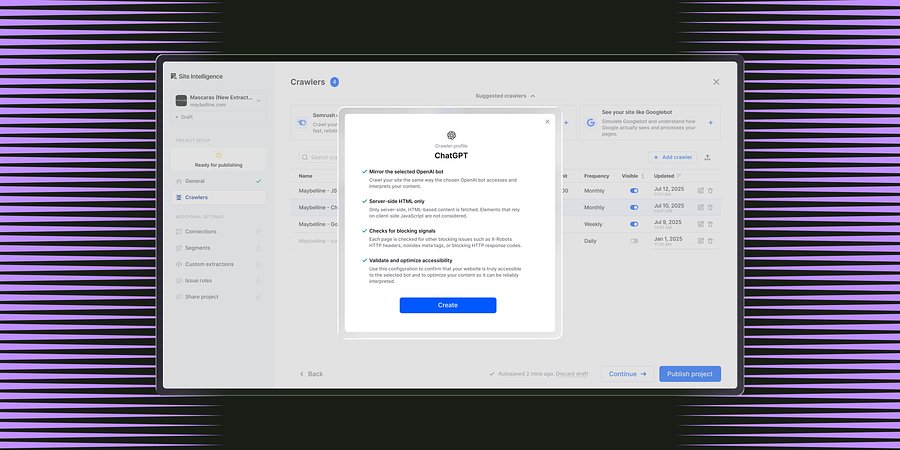
Enterprise Site Intelligence Adds Crawler Profiles for AI Agents and Search Bots
New bot simulation capabilities let teams see their website exactly as AI models and search engines do. Without manual configuration.
Product News
March 31, 2026
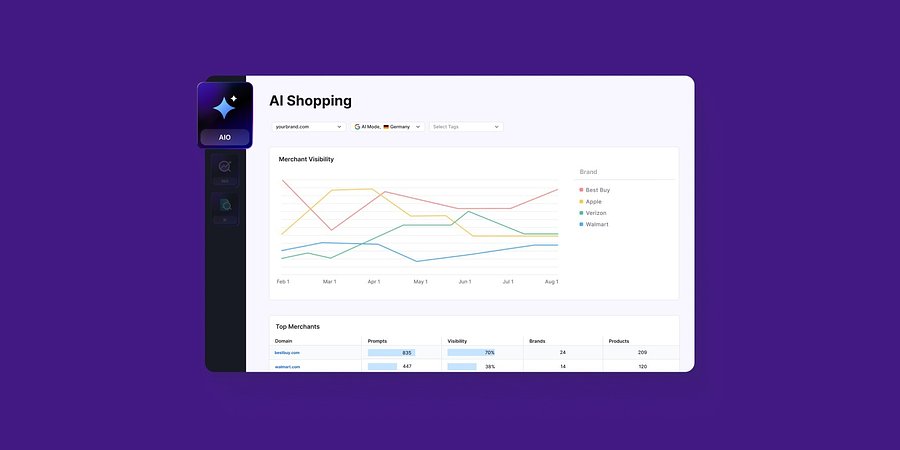
Enterprise AIO Extends AI Shopping Report Across ChatGPT and Google AI Mode
Semrush Enterprise AI Optimization’s (AIO) AI Shopping report now delivers unified merchant and product-level insights across both AI shopping experiences.
Product News
March 6, 2026
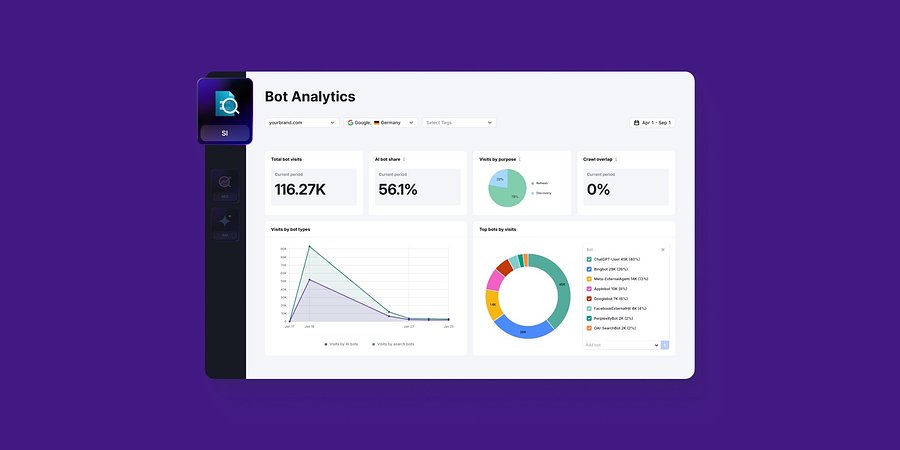
Semrush Enterprise Adds Log File Analysis to Site Intelligence and AI Optimization
New Bot and Agent Analytics capabilities give teams clearer understanding of how search engines and AI crawlers interact with their websites, unlocking new visibility opportunities.
Product News
February 2, 2026
This tool is from almunjizun.com
If you see this on any other website, contact admin.