What do ‘sea’ and ‘SEO’ have in common aside from their similar spelling? You’re going to need reliable equipment to dive deep into both. The solution for the first was invented a long time ago, and now it’s time to deal with the second.
Today we’re celebrating the beta launch of our new and very promising product. Please meet our innovative Log File Analyzer – a tool that will allow you to take a look at your site from the perspective of a Googlebot.
What is it for?
What errors were found during the crawl?
What are your most crawled pages?
Do you spend your crawl budget efficiently?
No questions unanswered and stones unturned now! With Log File Analyzer you will clearly understand what happens when a search engine crawls your website.
The tool will allow you to:
eliminate structural and navigational issues affecting the accessibility of your site’s pages
track the occurrence of technical problems (broken pages, incorrect redirects, etc.)
optimize consumption of your crawl budget
track and analyze the behavior of different bots on your site separately (mobile, desktop)
check if your website has successfully gone through migration
understand how Googlebot prioritizes content
make sure you spend resources on content production wisely
How does it work?
Find the Log File Analyzer in our left-hand menu in the On Page & Tech SEO block, or just select All Tools. Make sure that your log file is unarchived and in the proper access.log file format. We’ve described the proper file format in this PDF manual. Use the link in the description.
Then you simply drag and drop your file into the form on the Log File Analyzer page to upload your file to the tool.
After all of your files have been uploaded, click on Start Log File Analyzer and ... here you go: all the useful data, including how a Googlebot’s behavior changed over time, consistency of response statuses for tracking issues, the paths that received the most hits by the bot in the time frame, and much more.
You can use the All Google Bots filter to show only desktop or mobile bot activity, and also adjust the time period. The charts on the right will tell you how many of each status code and file type the bots interacted with.
That's all for today. There’s no need to analyze log files manually, no matter how skilled you are. The formula is simple: take Site Audit, add our new Log File Analyzer and find answers to any questions related to technical SEO!
Enough with the theory, let’s get to the practice! Give our new tool a try and let us know what you think by hitting us up with an email at log-analysis@semrush.com.
Want to learn more about crawlability and indexability of a website? Check out this article.
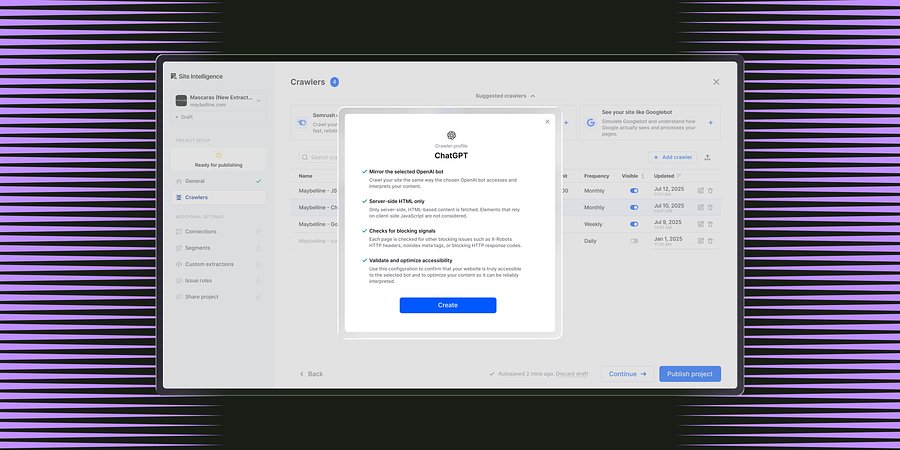
Enterprise Site Intelligence Adds Crawler Profiles for AI Agents and Search Bots
New bot simulation capabilities let teams see their website exactly as AI models and search engines do. Without manual configuration.
Product News
March 31, 2026
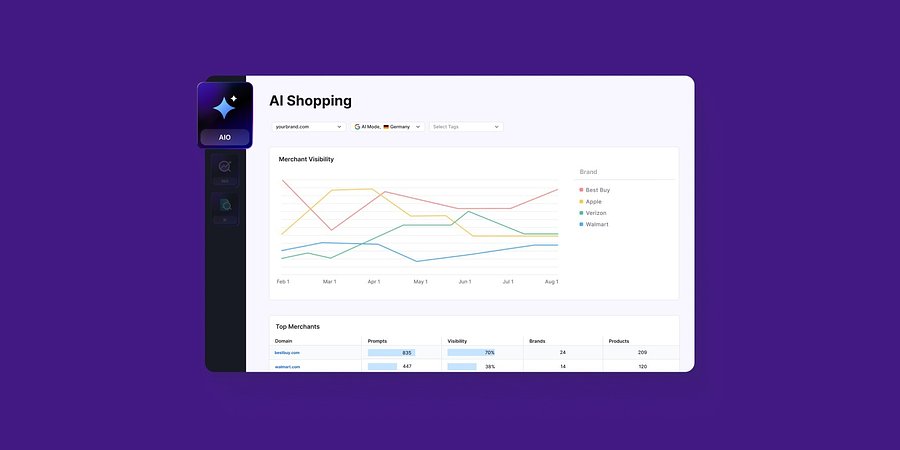
Enterprise AIO Extends AI Shopping Report Across ChatGPT and Google AI Mode
Semrush Enterprise AI Optimization’s (AIO) AI Shopping report now delivers unified merchant and product-level insights across both AI shopping experiences.
Product News
March 6, 2026
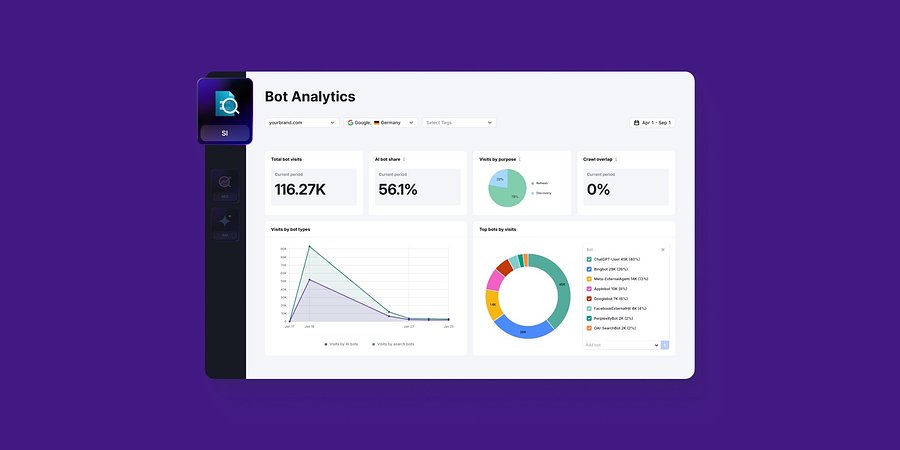
Semrush Enterprise Adds Log File Analysis to Site Intelligence and AI Optimization
New Bot and Agent Analytics capabilities give teams clearer understanding of how search engines and AI crawlers interact with their websites, unlocking new visibility opportunities.
Product News
February 2, 2026
This tool is from almunjizun.com
If you see this on any other website, contact admin.